Poker HUD Guide: Stats, Setup and How to Read It
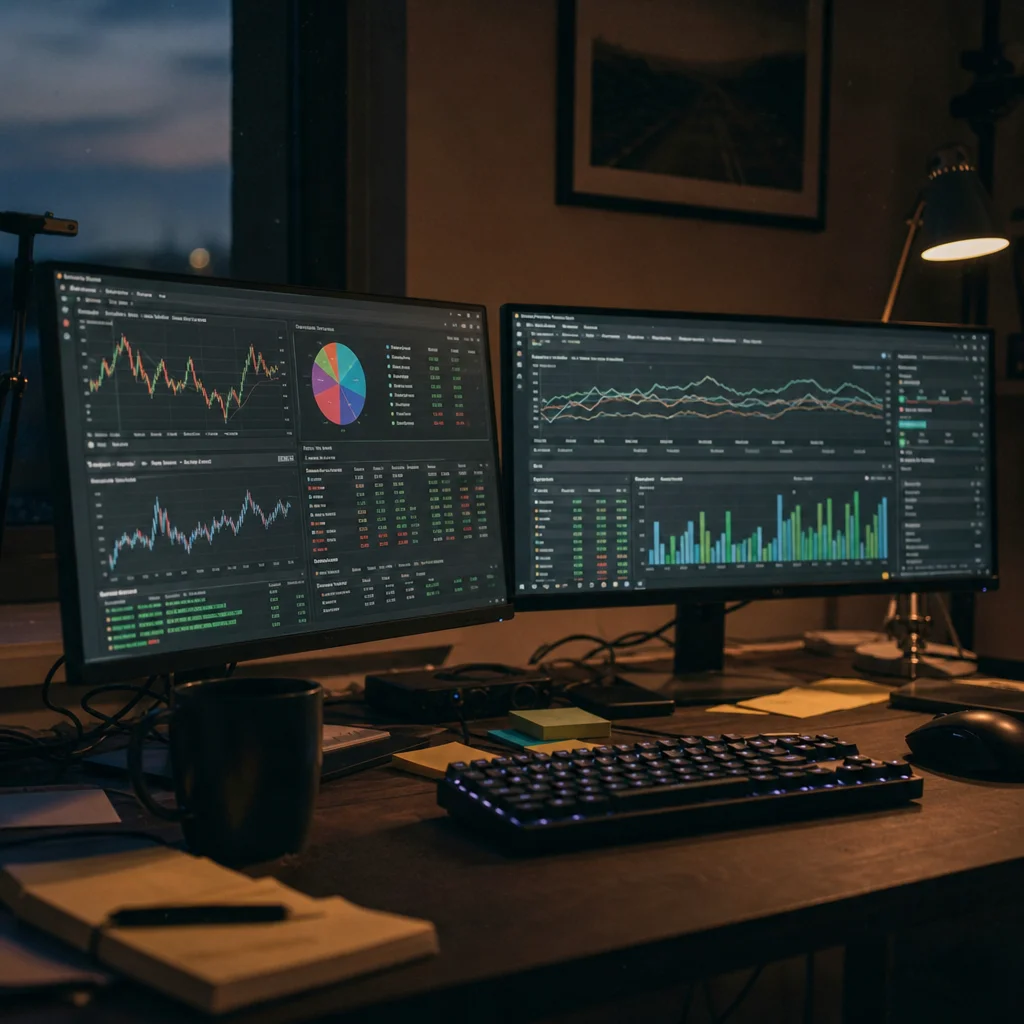
A poker HUD, short for heads-up display, is an overlay that sits on your poker client and shows live stats for every player at the table — pulled from a hand-history database your tracker builds as you play. You already know HUDs exist. What usually stops there is the panel itself: rows of numbers like VPIP 24, PFR 18, 3Bet 7, and no clear read on what any of it should change about your next decision. This guide is a poker HUD explained stat by stat, with the live poker HUD panel itself as the working example throughout.
I've spent the better part of fifteen years setting up trackers and HUD layouts for other players, usually after their own install broke something. I'm going to walk through the stats that matter, the sample size before you trust them, and how to lay out a panel you can actually read mid-hand instead of one that just looks busy. Worth separating early: a HUD only displays stats and leaves the decision to you — that's different from in-hand assistance tools like NZT Poker, which suggest the action itself and sit in a banned category at essentially every room, HUD-permitting or not. More on that distinction below. First, check whether your room allows a HUD at all — our room-by-room policy list covers that.
How a Poker HUD Actually Works
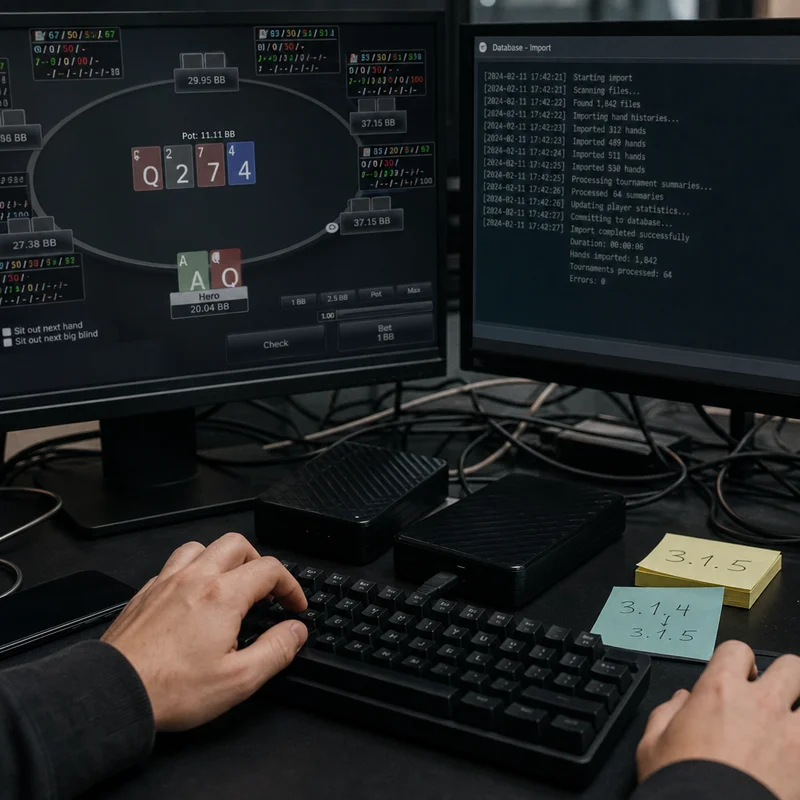
A poker HUD doesn't watch the table directly. It reads the hand-history files your poker client writes to disk, feeds them into a tracker database, and calculates running stats per opponent. The overlay then draws a HUD display next to each seat, refreshing after every hand. This is why a HUD needs volume before it says anything useful — one hand tells you nothing, and a hundred hands only starts to.
The first non-default setting worth changing is the hand-history save path. Most clients default to a folder your tracker doesn't watch, or don't save hand histories at all until you turn the option on. Skip this step and your poker HUD sits there showing zeros for players you've faced fifty times — a HUD-zeros problem that looks like a bug but is just a HUD that's never been fed any data.
The Core Stats: VPIP, PFR and 3-Bet
VPIP (voluntarily put money in pot) is the percentage of hands a player enters preflop by calling or raising, excluding forced blinds. PFR (preflop raise) is the percentage of hands they raise first in. Read them together, not alone. A player at 24 VPIP / 18 PFR plays fairly tight and mostly raises rather than calls — a straightforward, aggressive range. A player at 24 VPIP / 6 PFR enters the same number of hands but limps or calls far more often, which usually signals a weaker, more exploitable range.
3-bet percentage measures how often a player re-raises preflop when facing an open. It separates players who defend their range with real hands from players who just flat-call and hope. Fold to 3-bet is the mirror stat: how often a player gives up their open when re-raised. A player folding to 3-bets above roughly 70% is someone you can 3-bet light against far more often than the average opponent.
- VPIP under 18: nitty range, real hands only when they enter a pot
- VPIP 18-24: standard tight-aggressive range at most stakes
- VPIP 24-32: loose-aggressive, wider calling and raising range
- VPIP above 35: very loose, often a recreational player worth targeting
- PFR within 2-4 points of VPIP: mostly raises, straightforward range
- PFR far below VPIP: heavy limping or calling, generally weaker range
Postflop Stats: Aggression Factor, WTSD and WSD
Aggression factor (AF) compares a player's bets and raises to their calls postflop. A high AF means they bet and raise more than they call — pressure-heavy, prone to bluffing. A low AF means they mostly call, which usually means they're playing passively and waiting on strong hands. Aggression frequency (AFq) does the same job as a cleaner percentage rather than a ratio, so I check AFq first and treat AF as a secondary confirmation.
Went to showdown (WTSD) tells you how often a player reaches showdown once they see the flop, and won at showdown (WSD) tells you how often they win when they get there. A player with high WTSD and low WSD calls too much with hands that don't hold up — a classic calling-station profile, and one of the most profitable reads a HUD hands you.
Sample Size: When a Stat Is Worth Trusting
Every stat on your HUD sits on top of a hand count, and that number matters more than the stat itself. VPIP and PFR start to stabilize around 100-200 hands against a given opponent. 3-bet percentage needs closer to 400-500 hands, because 3-bet opportunities come up far less often than simple preflop entries. Postflop stats like WTSD and WSD need even more, often 1,000+ hands, since they depend on reaching later streets at all.
Most HUD software lets you color-code stats by sample size or grey them out below a threshold you set. I set mine to flag anything under 30 hands in a visibly different color, because a 50% 3-bet stat built on six hands isn't a read — it's noise wearing a number. Skip this setting and you'll act on a stat that means nothing yet, which is worse than having no HUD at all.
Minimum Sample Sizes Before You Trust a Stat
Reading a HUD Panel at the Table: A Worked Example
Say you open-raise from the cutoff and the button calls. Their HUD panel reads VPIP 31, PFR 9, 3-bet 2, WTSD 44 over 340 hands — a real sample, not noise. That gap between VPIP and PFR already tells a story: this player calls far more than they raise, so the range they're defending with is wide and mostly passive rather than built around strong hands.
| Stat | Value | What It Signals |
|---|---|---|
| VPIP | 31% | Wide range, enters a lot of pots |
| PFR | 9% | Rarely raises first — mostly calls |
| 3-bet | 2% | Almost never re-raises preflop |
| WTSD | 44% | Goes to showdown often once in a hand |
The practical read: this is a calling station, not an aggressor. A continuation bet doesn't need to be a hero bluff — value bets go further here, and a check-raise from this seat is rare enough to respect when it actually happens. That's the entire point of a HUD: it turns four numbers into a specific adjustment instead of a guess.
Setting Up Your HUD Without Breaking It
Install order matters more than people expect. The tracker needs to import your hand-history folder before the HUD has anything to display, so run an import first and confirm hands are actually landing in the database before you touch layout settings. If you skip this and jump straight to designing panels, you'll spend an hour arranging stat boxes that all read zero.
Beyond the save-path setting mentioned earlier, check the auto-import interval — most trackers default to checking for new hands every few minutes, which is too slow for fast-fold formats. I drop mine to the shortest interval the software allows, usually a few seconds, so the panel updates between hands rather than lagging behind the table.
Choosing a Layout That Helps Instead of Overloading You
A HUD panel with twenty stats crammed next to each seat isn't more informative — it's just harder to read in the six seconds you have to act. I build layouts around eight to ten stats per opponent: VPIP, PFR, 3-bet, fold to 3-bet, AFq, WTSD, WSD, and hands played. Everything else lives in a popup you can open on demand, not on the main panel.
- A minimal panel (8-10 stats) is readable at a glance during fast-fold or multi-table sessions
- Popups keep deeper stats available without cluttering the live view
- Color-coded sample-size thresholds stop you from acting on unreliable numbers
- A dense panel gives more information per hand if you have time to process it
- Building a custom layout takes real setup time before it pays off
- Too few stats can hide a read that a fuller panel would have caught earlier
Start minimal and add stats only when you find yourself opening the same popup repeatedly. That's a sign the stat earns a permanent spot on the panel.
HUD Examples Across Cash Games, MTTs and Fast-Fold Formats
The same HUD display works differently depending on the format. In a standard 6-max cash game, you'll face the same opponents for hours, so sample sizes build fast and stats like 3-bet and WTSD become reliable within a session. In multi-table tournaments, the field changes every level as players bust, so most opponents show up with tiny samples — useful mainly for spotting an obvious maniac or nit rather than building a detailed read.
Fast-fold formats like Zoom or Rush push a new opponent to your seat after every single hand, which makes traditional HUD reads close to useless — you'll rarely see the same player twice in a session. In that format, a HUD display still runs, but the panel leans on pool-wide averages rather than individual reads, since there usually isn't time to build one before the hand moves on.
Free and Cheap Poker HUD Options Worth Knowing About
Not every poker HUD setup requires a premium tracker subscription. Several trackers offer a free tier with a basic stat panel and cap the hand-history database size, which is enough to learn the core stats covered above before paying for anything. Poker Ace HUD was a long-running example of a lightweight, low-cost HUD built for exactly this — a simpler display than a full tracker suite, aimed at players who wanted the panel without the database overhead. A cheap poker HUD setup at this stage is really just a stripped-down layout — eight stats, no popups, no custom colors.
I'd rather see a new player run a free tier for a month and learn to read VPIP, PFR and 3-bet properly than pay for a full license and never open the settings menu. Upgrade once you're hitting the free tier's hand-history cap regularly, or once you find yourself wanting a stat the free layout doesn't include — that's the actual signal it's time to spend money, not the calendar.
HUD vs Solver vs Real-Time Assistance: Different Tools, Different Risk
A HUD shows you stats and stops there — you still make the decision. A solver like PioSolver works the opposite way: you study spots away from the table, after the session, and build ranges you memorize and apply later. Both categories are permitted at rooms that allow tracking software, because neither one touches the hand while it's live. (see PokerTracker's official site).
Real-time assistance is a separate category, and it's worth naming precisely because the line gets blurred in marketing. Tools like NZT Poker's GTO Poker Bench read the live hand and return a suggested fold, call or raise while you're still deciding — not a stat panel, an in-hand recommendation, and one option among the RTA tools out there if you're curious what the category looks like. I don't cover RTA as a safe option under any framing, though. Rooms that host the club apps NZT targets, including PokerBros and PPPoker, prohibit real-time assistance in their terms, and enforcement has only tightened — PokerBros stepped up detection in 2025, and PPPoker banned third-party software outright back in 2021. Detection typically means account closure and forfeited balance, not a refund, and it can spread across every club sharing that operator's infrastructure. A HUD carries none of that risk at a room that permits it. An RTA tool carries all of it, everywhere it's used.
Room Policies: Where a HUD Is Actually Allowed
HUD permission isn't universal, and it isn't fixed forever — some rooms allow tracking software outright, some allow it with restrictions on real-time opponent stats specifically, and some ban third-party overlays entirely regardless of what they display. I read the rules page before I open the settings menu on any new room, because the tool means nothing if the room doesn't allow it. That list changes often enough that I keep it on its own page rather than repeating it here — see our current room-by-room policy breakdown for what's permitted where, today.
If you're deciding which tracker to buy rather than how to read the stats it produces, that's a separate question with its own answer — pricing, database performance and feature sets vary enough between Hand2Note-style trackers that our PokerTracker review handles that comparison directly rather than duplicating it here.
A HUD is only as good as the reads you pull from it, and every read starts with the same two questions: does this stat have enough hands behind it, and what does the number actually mean about this specific opponent's range? Get comfortable with VPIP, PFR, 3-bet and WTSD first — that handful of stats covers most of the decisions you'll face at a table. Everything else on the panel is refinement, not foundation.
Want to See an RTA Tool in Action?
If you're curious what real-time assistance looks like beyond a HUD panel, NZT Poker documents its own feature set here.
See NZT Poker's FeaturesDisclosure: This page contains affiliate links. We may earn a commission at no extra cost to you.