
GTO Solvers Explained: Tools, Pricing and Use Cases
A GTO solver is software that calculates the game-theory-optimal strategy for a specific poker spot, showing exactly how often to bet, check, call, or raise each hand in a range. If you've heard the term in strategy videos and want to know what separates the tools, this page maps the landscape: which class of solver fits which study budget. If you want a fast, math-first companion for checking spots as you study, one option worth exploring is the NZT Poker GTO bench for pot odds and equity.
The theory behind these tools — equilibrium play, exploitability, mixed strategies — gets full treatment on our GTO poker explainer. Here, the focus stays practical: what a solver does, what it costs, and which product matches your situation. (see Nash equilibrium).
How GTO Solvers Actually Work
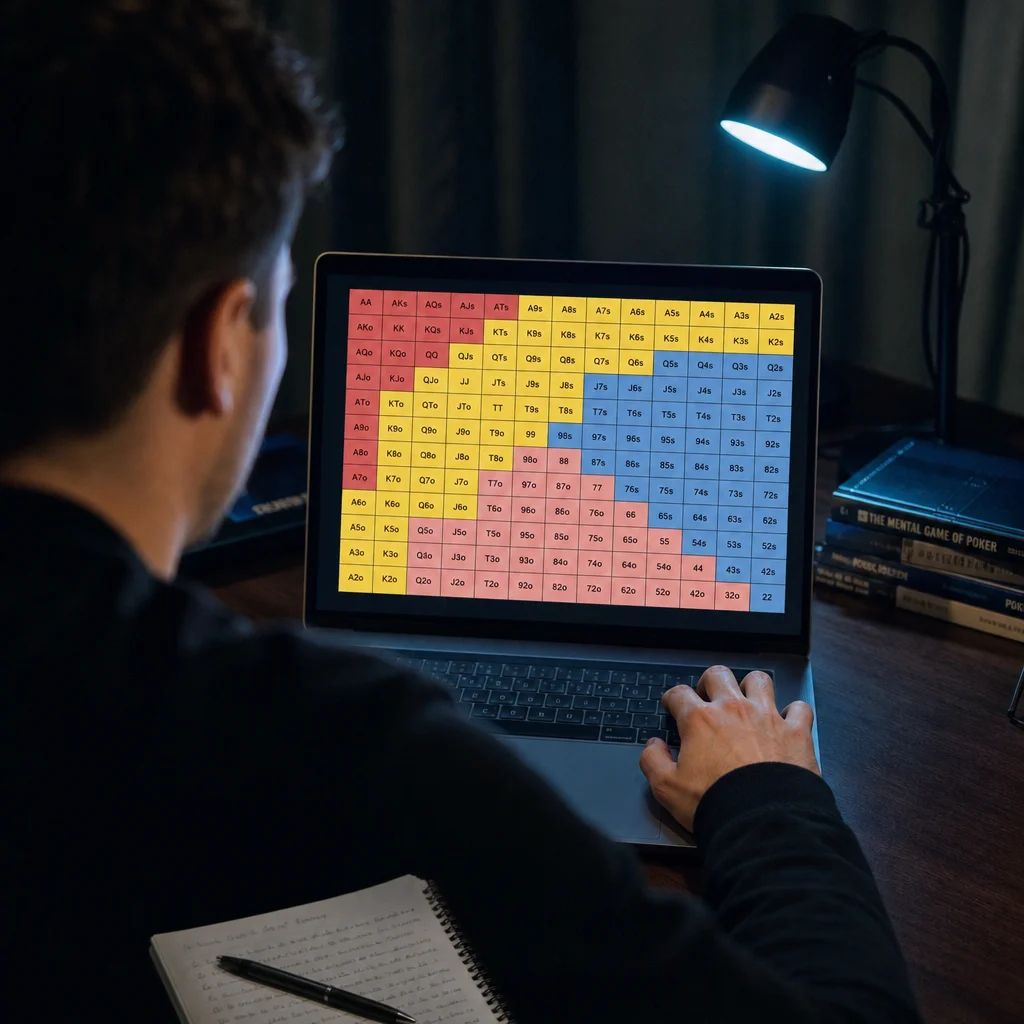
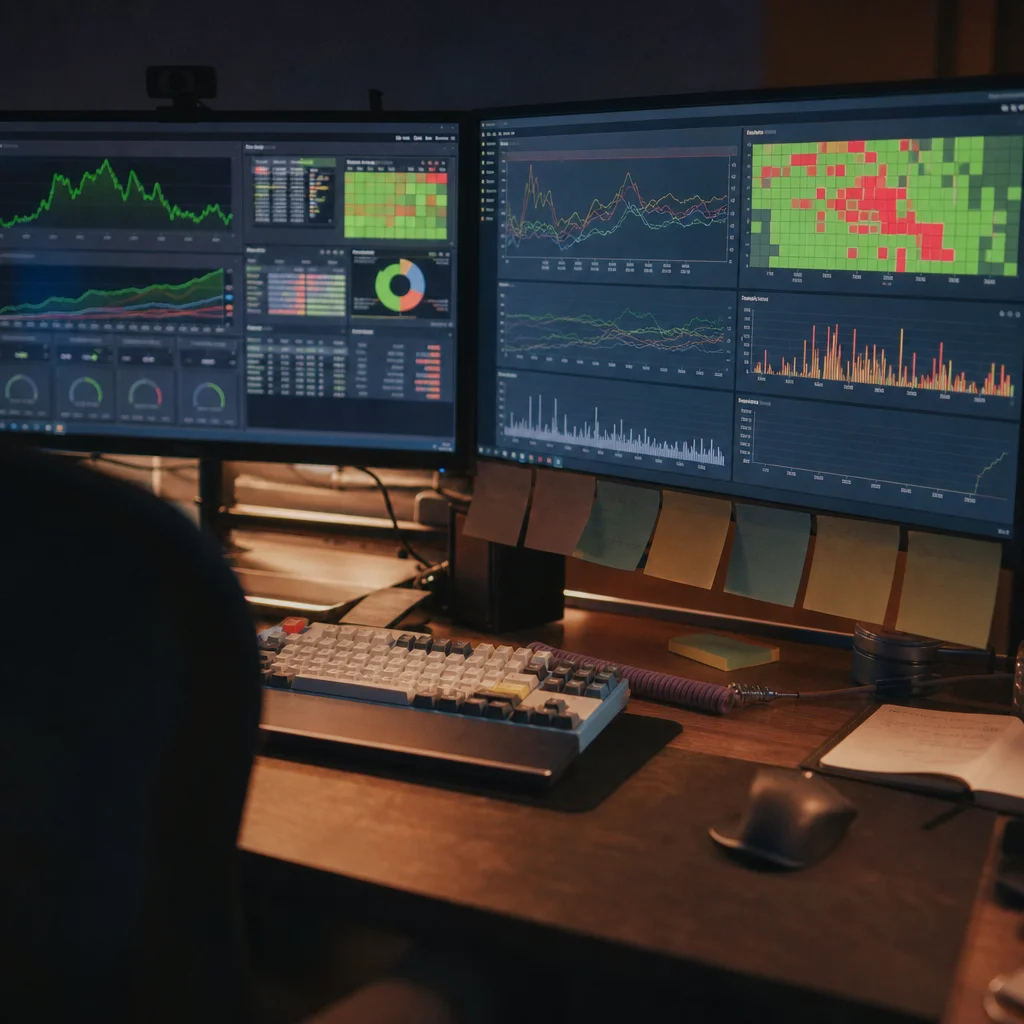
Every solver runs the same basic loop. You feed it a scenario — stack sizes, positions, bet sizing options, board texture — and it runs thousands of iterations, adjusting each player's strategy until neither side can improve their result by deviating. That converged output is the GTO solution: a frequency-based strategy shown as a color-coded range grid, rather than one single "correct" play. Solving a full postflop tree can take a few minutes to several hours, depending on tree size.

Desktop Solvers vs Cloud Solvers vs Trainers
Desktop solvers install locally and give full control over solve settings and tree size — PioSolver is the best-known example, covered in our PioSolver breakdown. Cloud-based solvers shift the heavy computation to remote servers, so you solve from a browser without owning a powerful rig; GTOWizard and similar platforms fall here, often bundling pre-solved ranges with custom solving. Trainers sit a layer up again: instead of running new solves, they quiz you against ranges already solved.
What a GTO Solver Actually Costs
Pricing splits roughly three ways. Free GTO calculator tools and limited trial tiers let you check simple spots — pot odds, basic push-fold ranges — at no cost, enough for casual study but too shallow for real tree work. Mid-tier cloud subscriptions, often the cheapest GTO solver route, typically run a modest monthly fee and include pre-solved range libraries plus some custom solving credits. Full desktop licenses for the best GTO solver software in the professional tier are a one-time purchase, priced higher upfront, with the trade-off that you own the software and solve as much as your hardware allows.
| Type | Setup | Best For | Typical Cost Tier |
|---|---|---|---|
| Desktop (e.g. PioSolver) | Local install, own hardware | Custom tree solving, coaches | One-time, higher upfront |
| Cloud platform | Browser or light client | Regular study without a rig | Monthly subscription |
| Trainer | Browser or app | Drilling pre-solved ranges | Free tier to low-cost monthly |
| Free calculator | Browser or app | Quick pot odds/equity checks | Free |
Pro Tip
Matching the Tool to Your Study Budget
- New to GTO study: start with a free calculator or a trainer's free tier to learn how range grids read before spending anything.
- Regular recreational player: a cloud subscription with pre-solved spots covers most situations without a hardware investment.
- High-volume grinder or coach: a desktop license pays off once solve volume gets high enough that metered cloud costs add up.
- Live-play spot-checking away from a desktop: a lightweight equity and pot-odds calculator fills a gap a full solver doesn't cover.
Solvers, HUDs, and Assistance Tools Are Different Categories
It's worth being precise about categories, since the terms blur in forum talk. A solver is a study tool used away from the table to understand a spot in depth. A HUD displays opponent stats live at the table but leaves the decision to you. A real-time assistance tool, by contrast, is consulted during the hand itself and returns a suggested action on the spot.
That third category carries a different risk profile, since it's prohibited by the terms of service at essentially every online poker room. NZT Poker is an example: it's built for in-hand suggestions on Asian club apps like PokerBros and PPPoker, not offline study, and using it carries real account risk a desktop or cloud solver doesn't. If you want study skill you keep after closing the software, a solver or trainer fits; an in-hand aid is a different trade entirely.

Want a Fast Equity Check at the Table?
NZT Poker's calculator component computes pot odds and equity for live spots, one option worth exploring alongside your solver study.
Try NZT Poker's CalculatorDisclosure: This page contains affiliate links. We may earn a commission at no extra cost to you.
Related Articles
Frequently Asked Questions
What does GTO stand for?
What is a GTO solver?
Is GTO good?
How do GTO solvers work?